BlogPlatform
Testing iPhone and iPad apps
Posts about testing an iOS app: system prompts, notifications, Face ID, widgets and what changes between iOS versions.
GuidesiPhone and iPadAndroidMobile release testing: a guide for app teamsFor iOS and Android teams: tests that survive a redesign, App Store review, builds for CI, an agent that tests its own build, and the states other tools miss.2 min read GuidesiPhone and iPadPass App Store review: test what the reviewer will do firstApple says over 40% of unresolved review issues fall under guideline 2.1. Test the reviewer's path: install, sign in with the demo account, reach the content.2 min read
 GuidesiPhone and iPadAndroidTest an Expo app in CI without rebuilding it every timeNative builds are the slow part of mobile CI. Store an Expo fingerprint with each build, skip the build when it has not changed, and test the one you have.2 min read
 GuidesiPhone and iPadBuild an iOS app for cloud testing: a zipped Simulator .appTestsy runs iPhone and iPad tests on an iOS Simulator build. The xcodebuild, Expo and Flutter commands that make one, how to zip it, and what to do in CI.2 min read
 GuidesiPhone and iPadAndroidTest a React Native app in plain English, without test IDsReact Native end-to-end suites are hard to set up and keep green. Write the journey in plain words, run it on iPhone and Android, and get a verdict with a replay.2 min read
 GuidesiPhone and iPadAndroidTest a Flutter app on iPhone and Android, canvas includedFlutter draws its own widgets, which trips up tools that read the native view tree. How Testsy tests Flutter apps, the iOS build to upload, and drawn content.2 min read
 GuidesiPhone and iPadAndroidTest mobile onboarding and the first launch, on a fresh installFirst launch is where new users decide. Each app run starts with fresh app data, so onboarding, prompts and the empty state are tested as a new user sees them.2 min read
 GuidesiPhone and iPadAndroidTest your app's iPad layout and landscape, not only the phoneApps built and tested on an iPhone break on an iPad or turned sideways. Run the same test on a tablet and in landscape, and check the layout-specific parts.2 min read
 GuidesiPhone and iPadAndroidOne test for iPhone and Android: write it once, run it on bothThe same plain-language test runs on an iOS build and an Android build. Where the two platforms differ, how to word a test for both, and what each result shows.2 min read
 GuidesiPhone and iPadAndroidTest a chat or marketplace app with two phones in one testMessages, offers, invitations and live updates need two people on two devices. One test can use two phones, and say what each person does and sees.2 min read
 GuidesiPhone and iPadAndroidLet your coding agent test the mobile app it just builtClaude Code, Cursor or Codex builds the app, uploads the build over MCP without an API key in the shell, runs your saved app tests and reads the verdict.2 min read
 GuidesiPhone and iPadAndroidMobile tests that survive a redesignMobile end-to-end suites fail when screens change and the app still works. Why locator-based tests break, and how a test written as behaviour keeps passing.2 min read
 GuidesiPhone and iPadAndroidSign in to a mobile app in a test without the password in the testMost app tests start behind a sign-in. Store the account once; the tester types the password into the app itself and the AI never sees it, on iPhone and Android.2 min read
 GuidesiPhone and iPadAndroidImport app builds from EAS, Bitrise or S3 by linkIf your pipeline already stores the APK or zipped .app somewhere, give Testsy the link. It fetches the build, checks it and runs the app's tests, with no upload step.1 min read
 GuidesiPhone and iPadAndroidTest a Capacitor or Ionic app: native shell, web contentCapacitor and Ionic apps are web pages inside a native shell. How the tester works in the web view, the build to upload, and why a debug build gives more detail.2 min read
 GuidesiPhone and iPadWhat survives when a user deletes and reinstalls your appOn iPhone, deleting an app clears its files but not its keychain, so a reinstall can come back signed in. A real run shows the note wiped and the token still there.3 min read
 GuidesiPhone and iPadFind unlabeled buttons and tiny tap targets in a mobile appApple's App Store now shows accessibility labels on product pages. An audit run on an iPhone, inside a normal test, catches low contrast, missing labels, small targets.2 min read
 GuidesiPhone and iPadTest gestures in a mobile app: long press, swipe, drag and pinchGestures are where mobile UI tests are weakest and where gesture libraries clash. A real iPhone run does long press, swipes, drag to reorder, pinch and rotate.2 min read
 GuidesiPhone and iPadTest photo and file pickers in a mobile appPicking a photo or a file runs through the phone's own screens, which app tests rarely reach. A real iPhone run picks a photo, a PDF, and a PDF where an image belongs.3 min read
 GuidesiPhone and iPadAndroidThe hardest parts of mobile app testing, each one run for realPermission prompts, notifications, SMS codes, Face ID, location, crashes, old OS versions. Why each is hard to test, and a real run of each with its result and video.5 min read
 GuidesiPhone and iPadAndroidTest that a notification opens the right screenThe notification arrived. Did tapping it open the order, or only the home screen? A plain-language test waits for it, taps it and checks where the app lands.3 min read
 GuidesiPhone and iPadTest what your app does when the user says no to a permissionLocation allowed, camera denied, microphone denied, contacts allowed. One plain-language test answers each system prompt as told and checks what the app shows after.3 min read
 GuidesiPhone and iPadTest deep links: does the link open the right screen?A link in an email or an ad should land on the item, not the home screen. A plain-language test opens the link on the phone and checks the screen the app shows.3 min read
 GuidesiPhone and iPadTest Face ID unlock: the wrong face, then the right oneThe locked path matters as much as the unlocked one. A plain-language test answers the Face ID prompt with the wrong face, then the right one, and checks both.2 min read
 GuidesiPhone and iPadTest what your app remembers after the phone kills itPhones close apps in the background to free memory. A plain-language test types a draft, has the phone kill the app, reopens it and checks the draft is still there.3 min read
 GuidesiPhone and iPadA mobile app crash, caught with the file and line that caused itWe asked for an order confirmation. The app crashed instead. The result names the error, the step it came after, the stack trace and the steps to reproduce it.3 min read
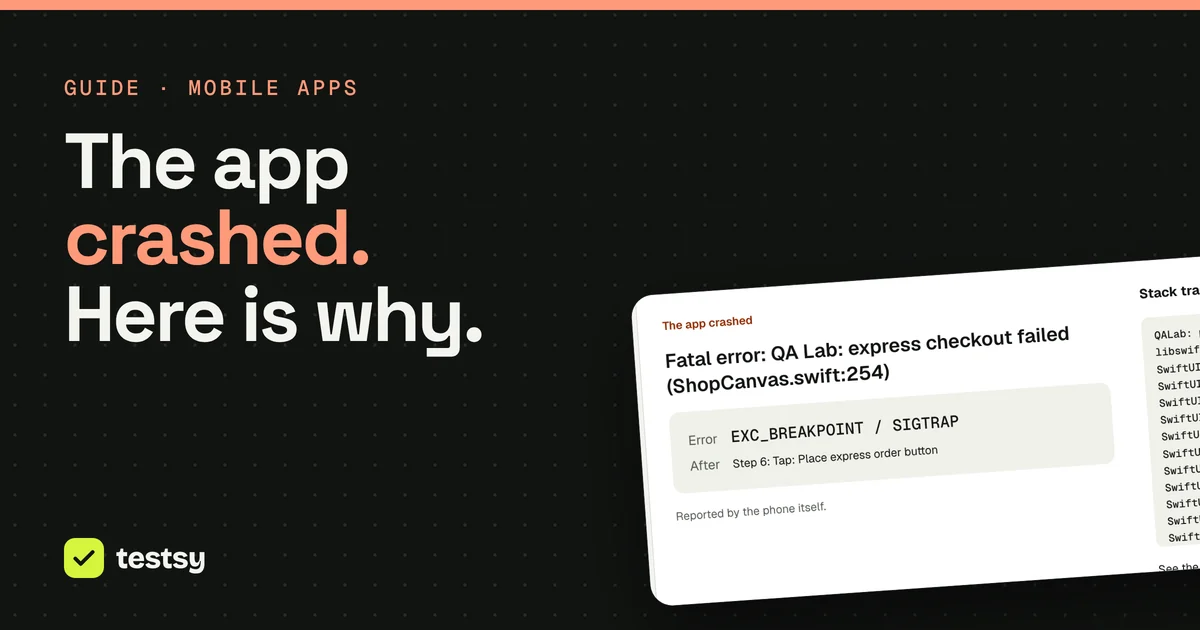 GuidesiPhone and iPadTest rotation, dark mode and the largest text sizeThree phone settings change every screen in your app at once. Two plain-language tests flip each one mid-run and check that the app still reads and still works.3 min read
 GuidesiPhone and iPadTest location features without leaving your deskSet where the phone is, move it along a route at walking or driving speed, and check what your app shows. Two real runs, and one passing check that hid a bug.3 min read
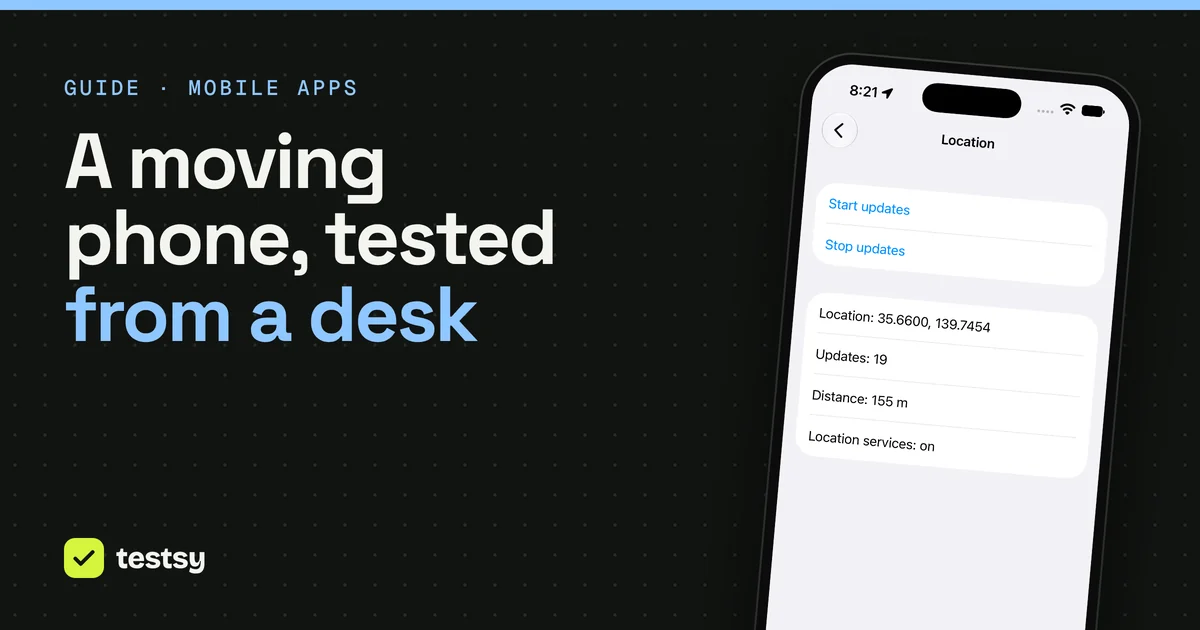 GuidesiPhone and iPadTest a Live Activity and a home-screen widget on iPhoneThey are your app, shown where your app is not: the lock screen, the Dynamic Island, the home screen. One plain-language test starts one, adds the other and reads both.3 min read
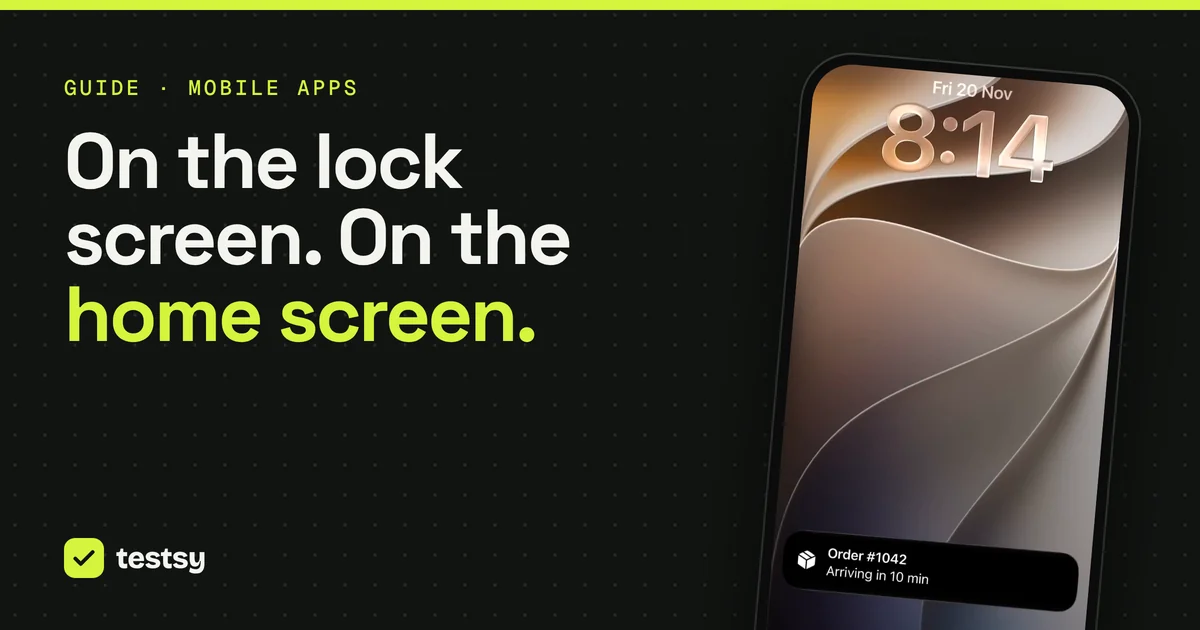 GuidesiPhone and iPadAndroidOne mobile test, six OS versions: what changed on screenWe ran the same plain-language tests on iOS 17, 18 and 27 and on Android 10, 12 and 16. The prompts differed on every version. The test text never changed.5 min read
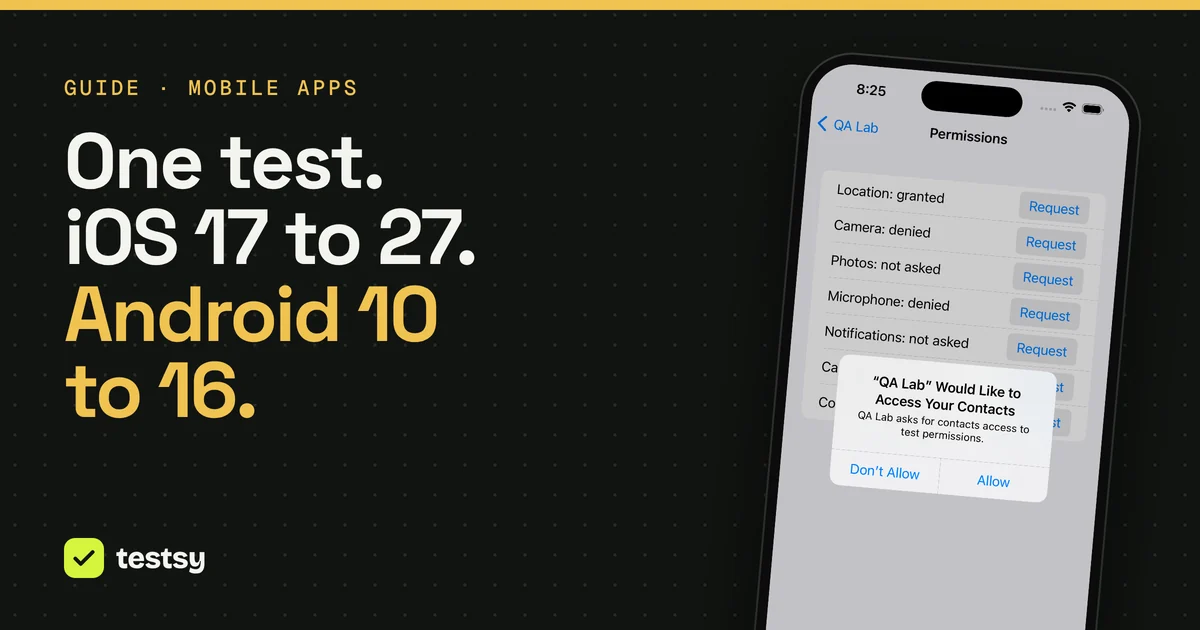
GuidesiPhone and iPadPass App Store review: test what the reviewer will do firstApple says over 40% of unresolved review issues fall under guideline 2.1. Test the reviewer's path: install, sign in with the demo account, reach the content.2 min read
GuidesiPhone and iPadAndroidTest an Expo app in CI without rebuilding it every timeNative builds are the slow part of mobile CI. Store an Expo fingerprint with each build, skip the build when it has not changed, and test the one you have.2 min read
GuidesiPhone and iPadBuild an iOS app for cloud testing: a zipped Simulator .appTestsy runs iPhone and iPad tests on an iOS Simulator build. The xcodebuild, Expo and Flutter commands that make one, how to zip it, and what to do in CI.2 min read
GuidesiPhone and iPadAndroidTest a React Native app in plain English, without test IDsReact Native end-to-end suites are hard to set up and keep green. Write the journey in plain words, run it on iPhone and Android, and get a verdict with a replay.2 min read
GuidesiPhone and iPadAndroidTest a Flutter app on iPhone and Android, canvas includedFlutter draws its own widgets, which trips up tools that read the native view tree. How Testsy tests Flutter apps, the iOS build to upload, and drawn content.2 min read
GuidesiPhone and iPadAndroidTest mobile onboarding and the first launch, on a fresh installFirst launch is where new users decide. Each app run starts with fresh app data, so onboarding, prompts and the empty state are tested as a new user sees them.2 min read
GuidesiPhone and iPadAndroidTest your app's iPad layout and landscape, not only the phoneApps built and tested on an iPhone break on an iPad or turned sideways. Run the same test on a tablet and in landscape, and check the layout-specific parts.2 min read
GuidesiPhone and iPadAndroidOne test for iPhone and Android: write it once, run it on bothThe same plain-language test runs on an iOS build and an Android build. Where the two platforms differ, how to word a test for both, and what each result shows.2 min read
GuidesiPhone and iPadAndroidTest a chat or marketplace app with two phones in one testMessages, offers, invitations and live updates need two people on two devices. One test can use two phones, and say what each person does and sees.2 min read
GuidesiPhone and iPadAndroidLet your coding agent test the mobile app it just builtClaude Code, Cursor or Codex builds the app, uploads the build over MCP without an API key in the shell, runs your saved app tests and reads the verdict.2 min read
GuidesiPhone and iPadAndroidMobile tests that survive a redesignMobile end-to-end suites fail when screens change and the app still works. Why locator-based tests break, and how a test written as behaviour keeps passing.2 min read
GuidesiPhone and iPadAndroidSign in to a mobile app in a test without the password in the testMost app tests start behind a sign-in. Store the account once; the tester types the password into the app itself and the AI never sees it, on iPhone and Android.2 min read
GuidesiPhone and iPadAndroidImport app builds from EAS, Bitrise or S3 by linkIf your pipeline already stores the APK or zipped .app somewhere, give Testsy the link. It fetches the build, checks it and runs the app's tests, with no upload step.1 min read
GuidesiPhone and iPadAndroidTest a Capacitor or Ionic app: native shell, web contentCapacitor and Ionic apps are web pages inside a native shell. How the tester works in the web view, the build to upload, and why a debug build gives more detail.2 min read
GuidesiPhone and iPadWhat survives when a user deletes and reinstalls your appOn iPhone, deleting an app clears its files but not its keychain, so a reinstall can come back signed in. A real run shows the note wiped and the token still there.3 min read
GuidesiPhone and iPadFind unlabeled buttons and tiny tap targets in a mobile appApple's App Store now shows accessibility labels on product pages. An audit run on an iPhone, inside a normal test, catches low contrast, missing labels, small targets.2 min read
GuidesiPhone and iPadTest gestures in a mobile app: long press, swipe, drag and pinchGestures are where mobile UI tests are weakest and where gesture libraries clash. A real iPhone run does long press, swipes, drag to reorder, pinch and rotate.2 min read
GuidesiPhone and iPadTest photo and file pickers in a mobile appPicking a photo or a file runs through the phone's own screens, which app tests rarely reach. A real iPhone run picks a photo, a PDF, and a PDF where an image belongs.3 min read
GuidesiPhone and iPadAndroidThe hardest parts of mobile app testing, each one run for realPermission prompts, notifications, SMS codes, Face ID, location, crashes, old OS versions. Why each is hard to test, and a real run of each with its result and video.5 min read
GuidesiPhone and iPadAndroidTest that a notification opens the right screenThe notification arrived. Did tapping it open the order, or only the home screen? A plain-language test waits for it, taps it and checks where the app lands.3 min read
GuidesiPhone and iPadTest what your app does when the user says no to a permissionLocation allowed, camera denied, microphone denied, contacts allowed. One plain-language test answers each system prompt as told and checks what the app shows after.3 min read
GuidesiPhone and iPadTest deep links: does the link open the right screen?A link in an email or an ad should land on the item, not the home screen. A plain-language test opens the link on the phone and checks the screen the app shows.3 min read
GuidesiPhone and iPadTest Face ID unlock: the wrong face, then the right oneThe locked path matters as much as the unlocked one. A plain-language test answers the Face ID prompt with the wrong face, then the right one, and checks both.2 min read
GuidesiPhone and iPadTest what your app remembers after the phone kills itPhones close apps in the background to free memory. A plain-language test types a draft, has the phone kill the app, reopens it and checks the draft is still there.3 min read
GuidesiPhone and iPadA mobile app crash, caught with the file and line that caused itWe asked for an order confirmation. The app crashed instead. The result names the error, the step it came after, the stack trace and the steps to reproduce it.3 min read
GuidesiPhone and iPadTest rotation, dark mode and the largest text sizeThree phone settings change every screen in your app at once. Two plain-language tests flip each one mid-run and check that the app still reads and still works.3 min read
GuidesiPhone and iPadTest location features without leaving your deskSet where the phone is, move it along a route at walking or driving speed, and check what your app shows. Two real runs, and one passing check that hid a bug.3 min read
GuidesiPhone and iPadTest a Live Activity and a home-screen widget on iPhoneThey are your app, shown where your app is not: the lock screen, the Dynamic Island, the home screen. One plain-language test starts one, adds the other and reads both.3 min read
GuidesiPhone and iPadAndroidOne mobile test, six OS versions: what changed on screenWe ran the same plain-language tests on iOS 17, 18 and 27 and on Android 10, 12 and 16. The prompts differed on every version. The test text never changed.5 min read