BlogTopic
Testing what the phone does to your app
The network drops, the battery runs low, the screen turns, the phone moves, the app is closed in the background.
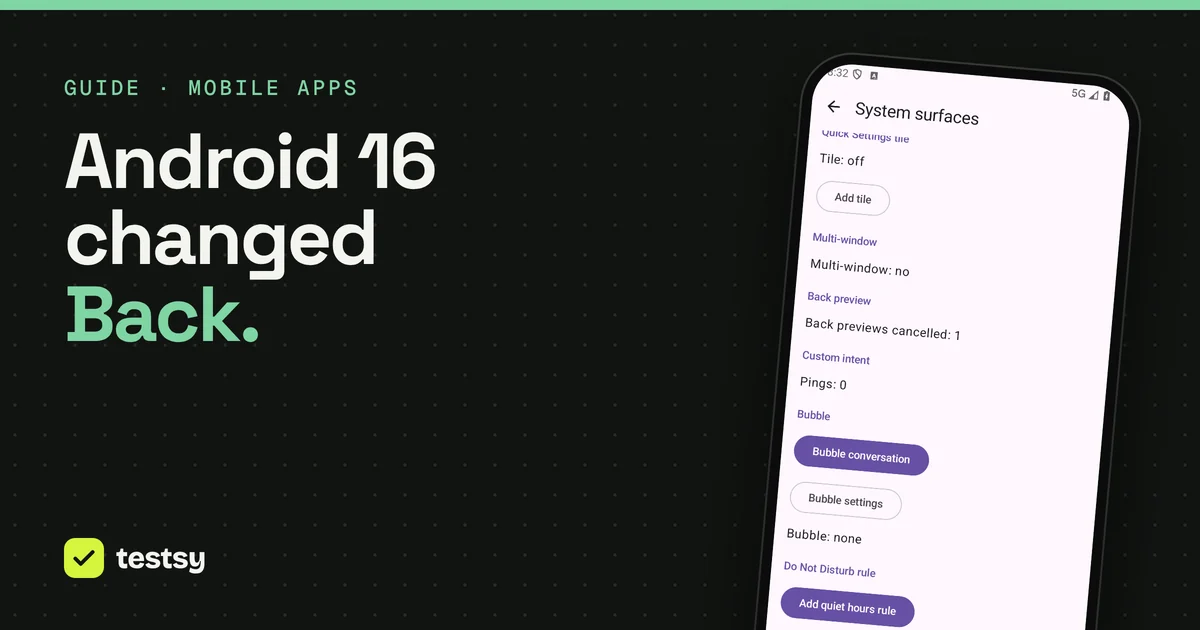
GuidesiPhone and iPadWhat survives when a user deletes and reinstalls your appOn iPhone, deleting an app clears its files but not its keychain, so a reinstall can come back signed in. A real run shows the note wiped and the token still there.3 min read GuidesAndroidTest the Android Back button after the Android 16 changeApps targeting Android 16 no longer get onBackPressed, and Google Play requires that target. A real run tests the Back button, a cancelled back gesture and split screen.2 min read
 GuidesiPhone and iPadTest what your app remembers after the phone kills itPhones close apps in the background to free memory. A plain-language test types a draft, has the phone kill the app, reopens it and checks the draft is still there.3 min read
 GuidesAndroidTest your app offline, on low battery and during a phone callA phone loses signal, runs low and rings. Two plain-language tests on Android switch the network off and on, set the battery to 15% and take an incoming call.3 min read
 GuidesiPhone and iPadTest rotation, dark mode and the largest text sizeThree phone settings change every screen in your app at once. Two plain-language tests flip each one mid-run and check that the app still reads and still works.3 min read
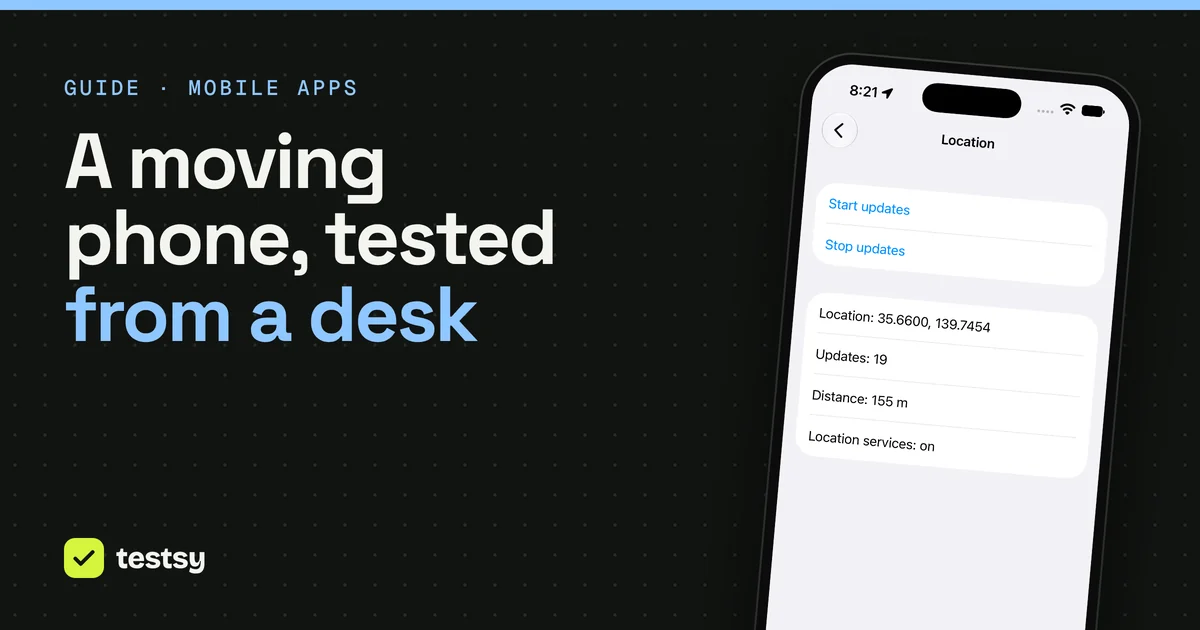
 GuidesiPhone and iPadTest location features without leaving your deskSet where the phone is, move it along a route at walking or driving speed, and check what your app shows. Two real runs, and one passing check that hid a bug.3 min read
GuidesAndroidTest the Android Back button after the Android 16 changeApps targeting Android 16 no longer get onBackPressed, and Google Play requires that target. A real run tests the Back button, a cancelled back gesture and split screen.2 min read
GuidesiPhone and iPadTest what your app remembers after the phone kills itPhones close apps in the background to free memory. A plain-language test types a draft, has the phone kill the app, reopens it and checks the draft is still there.3 min read
GuidesAndroidTest your app offline, on low battery and during a phone callA phone loses signal, runs low and rings. Two plain-language tests on Android switch the network off and on, set the battery to 15% and take an incoming call.3 min read
GuidesiPhone and iPadTest rotation, dark mode and the largest text sizeThree phone settings change every screen in your app at once. Two plain-language tests flip each one mid-run and check that the app still reads and still works.3 min read
GuidesiPhone and iPadTest location features without leaving your deskSet where the phone is, move it along a route at walking or driving speed, and check what your app shows. Two real runs, and one passing check that hid a bug.3 min read