BlogTopic
Sharing results and hearing about failures
Share links, viewer seats, Slack, email and webhooks: getting a result to the person who needs it.
GuidesWebSend test failures to Slack, with the proof attachedConnect a Slack channel, subscribe it to the projects your team owns, and get failed, blocked and inconclusive runs with what was seen and a link to the replay.2 min read GuidesWebSend test results to Linear or Jira with webhooksTestsy posts each finished run to your endpoint as signed JSON. Verify the signature, then open an issue with the failed check, what was seen and the link to the proof.2 min read
 GuidesWebShare a live test run in a pull request, no account neededEvery run started from CI, the API or an agent comes with a watch link. Paste it in the pull request and reviewers watch the browser live, then read the result.2 min read
 GuidesWebShow clients proof, not screenshotsA screenshot in an email proves one moment. A share link to a test result shows each check, the value it saw, a replay and a video, and expires when you choose.2 min read
 GuidesWebOrganise testing for many client sites: one project per clientHow agencies keep tests, sign-in accounts, schedules and run usage separate per client, when to use a project and when a separate workspace with its own billing.2 min read
 GuidesWebAdd functional checks to a website care planCare plans sell updates, backups and uptime. A nightly test that the form, booking or checkout still works is the check clients notice and understand.2 min read
 GuidesWebA handoff record that proves the site worked at launchScope arguments after launch start with “it never worked”. Run the key journeys at handoff and keep the results, with replays, as the record both sides can open.1 min read
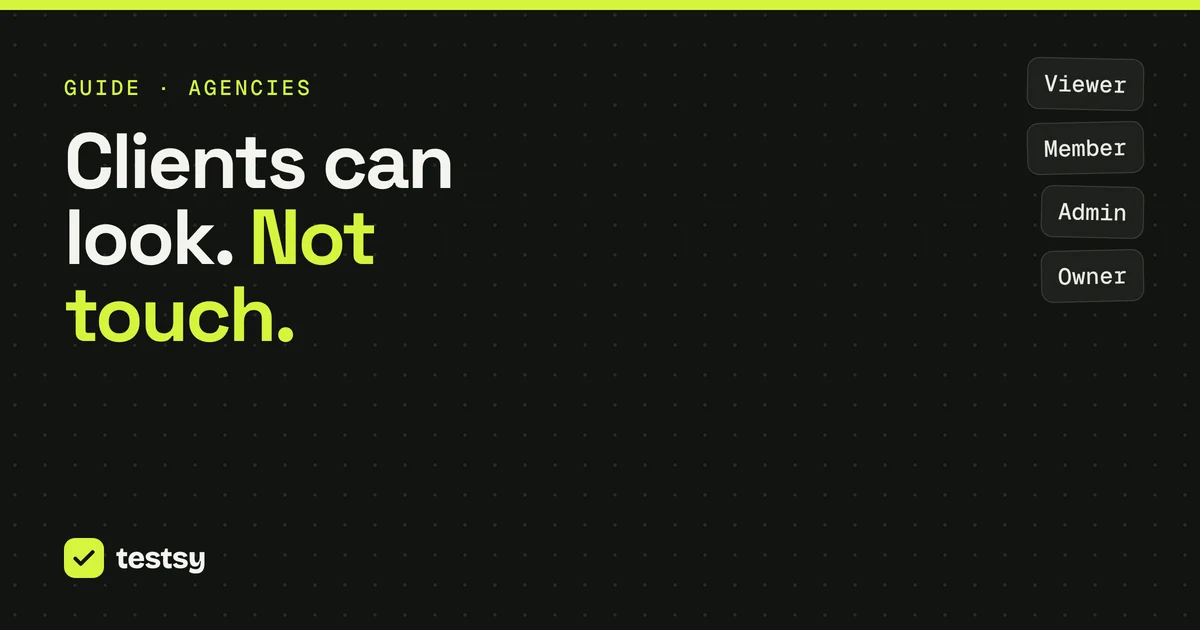
 GuidesWebGive clients a viewer seat to see their test resultsA viewer sees projects, tests, runs and the proof, and changes nothing. When to invite a client as a viewer, when a share link is enough, and when to split workspaces.2 min read
GuidesWebSend test results to Linear or Jira with webhooksTestsy posts each finished run to your endpoint as signed JSON. Verify the signature, then open an issue with the failed check, what was seen and the link to the proof.2 min read
GuidesWebShare a live test run in a pull request, no account neededEvery run started from CI, the API or an agent comes with a watch link. Paste it in the pull request and reviewers watch the browser live, then read the result.2 min read
GuidesWebShow clients proof, not screenshotsA screenshot in an email proves one moment. A share link to a test result shows each check, the value it saw, a replay and a video, and expires when you choose.2 min read
GuidesWebOrganise testing for many client sites: one project per clientHow agencies keep tests, sign-in accounts, schedules and run usage separate per client, when to use a project and when a separate workspace with its own billing.2 min read
GuidesWebAdd functional checks to a website care planCare plans sell updates, backups and uptime. A nightly test that the form, booking or checkout still works is the check clients notice and understand.2 min read
GuidesWebA handoff record that proves the site worked at launchScope arguments after launch start with “it never worked”. Run the key journeys at handoff and keep the results, with replays, as the record both sides can open.1 min read
GuidesWebGive clients a viewer seat to see their test resultsA viewer sees projects, tests, runs and the proof, and changes nothing. When to invite a client as a viewer, when a share link is enough, and when to split workspaces.2 min read