BlogTopic
Testing system prompts and permissions
The prompts a phone or a browser draws over your app, and what the app does when the answer is no.
GuidesiPhone and iPadAndroidTest mobile onboarding and the first launch, on a fresh installFirst launch is where new users decide. Each app run starts with fresh app data, so onboarding, prompts and the empty state are tested as a new user sees them.2 min read GuidesiPhone and iPadTest photo and file pickers in a mobile appPicking a photo or a file runs through the phone's own screens, which app tests rarely reach. A real iPhone run picks a photo, a PDF, and a PDF where an image belongs.3 min read
 GuidesAndroidTest the files your mobile app exports, downloads and shares“Export complete” proves nothing about the file. A real Android run opens the CSV the app wrote, checks its rows, shares it through the share sheet and reads a download.2 min read
 GuidesWebTest alert, confirm and prompt, and the browser's permission promptsThese boxes belong to the browser, not the page, and they stop everything until answered. One plain-language test accepts, cancels, types an answer, allows and blocks.2 min read
 GuidesiPhone and iPadTest what your app does when the user says no to a permissionLocation allowed, camera denied, microphone denied, contacts allowed. One plain-language test answers each system prompt as told and checks what the app shows after.3 min read
 GuidesiPhone and iPadTest Face ID unlock: the wrong face, then the right oneThe locked path matters as much as the unlocked one. A plain-language test answers the Face ID prompt with the wrong face, then the right one, and checks both.2 min read
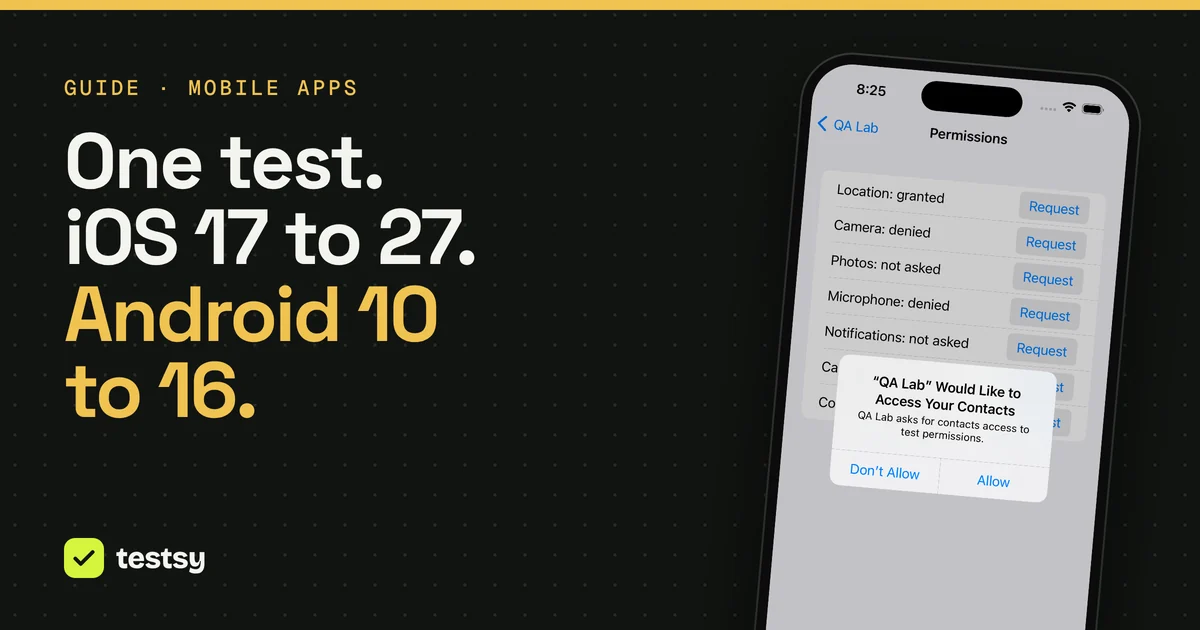
 GuidesiPhone and iPadAndroidOne mobile test, six OS versions: what changed on screenWe ran the same plain-language tests on iOS 17, 18 and 27 and on Android 10, 12 and 16. The prompts differed on every version. The test text never changed.5 min read
GuidesiPhone and iPadTest photo and file pickers in a mobile appPicking a photo or a file runs through the phone's own screens, which app tests rarely reach. A real iPhone run picks a photo, a PDF, and a PDF where an image belongs.3 min read
GuidesAndroidTest the files your mobile app exports, downloads and shares“Export complete” proves nothing about the file. A real Android run opens the CSV the app wrote, checks its rows, shares it through the share sheet and reads a download.2 min read
GuidesWebTest alert, confirm and prompt, and the browser's permission promptsThese boxes belong to the browser, not the page, and they stop everything until answered. One plain-language test accepts, cancels, types an answer, allows and blocks.2 min read
GuidesiPhone and iPadTest what your app does when the user says no to a permissionLocation allowed, camera denied, microphone denied, contacts allowed. One plain-language test answers each system prompt as told and checks what the app shows after.3 min read
GuidesiPhone and iPadTest Face ID unlock: the wrong face, then the right oneThe locked path matters as much as the unlocked one. A plain-language test answers the Face ID prompt with the wrong face, then the right one, and checks both.2 min read
GuidesiPhone and iPadAndroidOne mobile test, six OS versions: what changed on screenWe ran the same plain-language tests on iOS 17, 18 and 27 and on Android 10, 12 and 16. The prompts differed on every version. The test text never changed.5 min read