One test for iPhone and Android: write it once, run it on both
The same plain-language test runs on an iOS build and an Android build. Where the two platforms differ, how to word a test for both, and what each result shows.
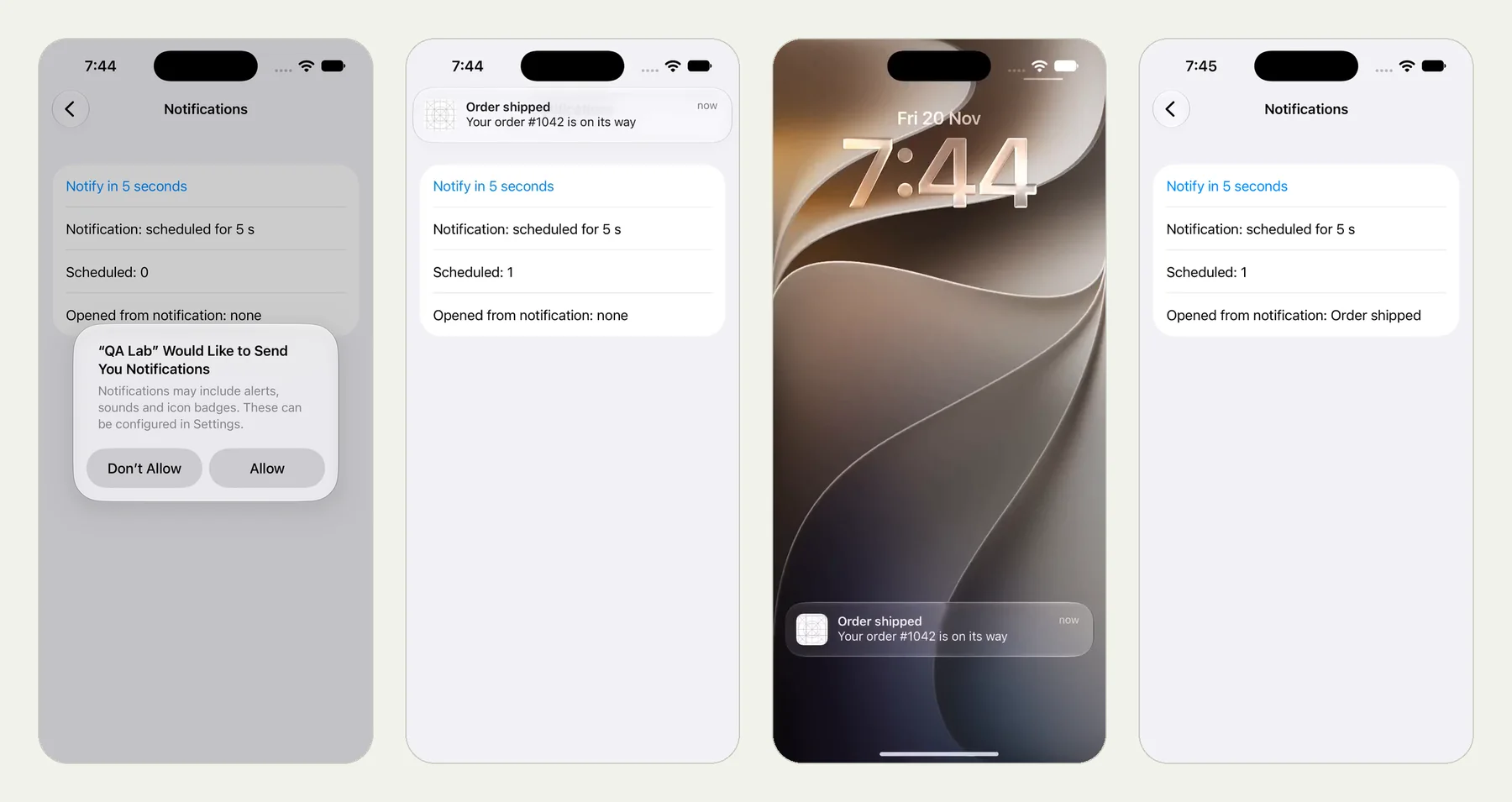
Two platforms, one behaviour#
Your app does the same things on iOS and Android. The screens differ: tabs at the bottom or the top, a back button or a swipe, prompts that look and read differently, a notification shade that works differently. Scripted tests usually end up as two suites with two sets of selectors.
A test that describes behaviour can be one text for both.
A real pair#
We ran a notification test on an iPhone with iOS 27 and on an Android phone with Android 16, word for word:
Open Notifications and tap Notify in 5 seconds,
allowing notifications if the phone asks.
When the Order shipped notification arrives, open it and verify
the app shows Opened from notification: Order shipped.
The iPhone run passed all 5 checks in 2 minutes 21 seconds (the run); the Android run passed all 5 in 1 minute 16 seconds (the run). Both stay live until 18 February 2027. The picture at the top of this page is the iPhone run; the full post is Test that a notification opens the right screen.
Word it for both#
- Name controls by what they say, not where they are: "tap Settings", not "tap the gear in the top right".
- Make the platform's choices conditional: "if the phone asks…", because Android 12 and older do not ask for notification permission and Android 13 and newer do.
- Avoid platform gestures unless the test is about them: "go back" rather than "swipe from the left edge".
- Check values, not layout: "the temperature reads °F", not "the label under the icon".
Set it up#
An app test belongs to one app (a bundle id or a package name), so create the test once for the iOS app and once for the Android app, with the same text. The CI tool can carry both builds in one command: each app test gets the build of its own app.
node testsy-ai.mjs run --project p_… --build app-release.apk --build MyApp.app.zipWhen the platforms really differ#
Some behaviour is platform-specific: Face ID versus a fingerprint, Live Activities, an SMS code read automatically on Android. Write those as separate tests. The mobile series has runs for each.
This post is part of Mobile release testing: a guide for app teams.
Filed underiPhone and iPadAndroidDevices and versions