Sign-up emails that stop arriving after launch
Supabase's built-in mailer sends 2 emails an hour, only to your own team. Sign-up works for you and fails for everyone else. A test with its own mailbox catches it.
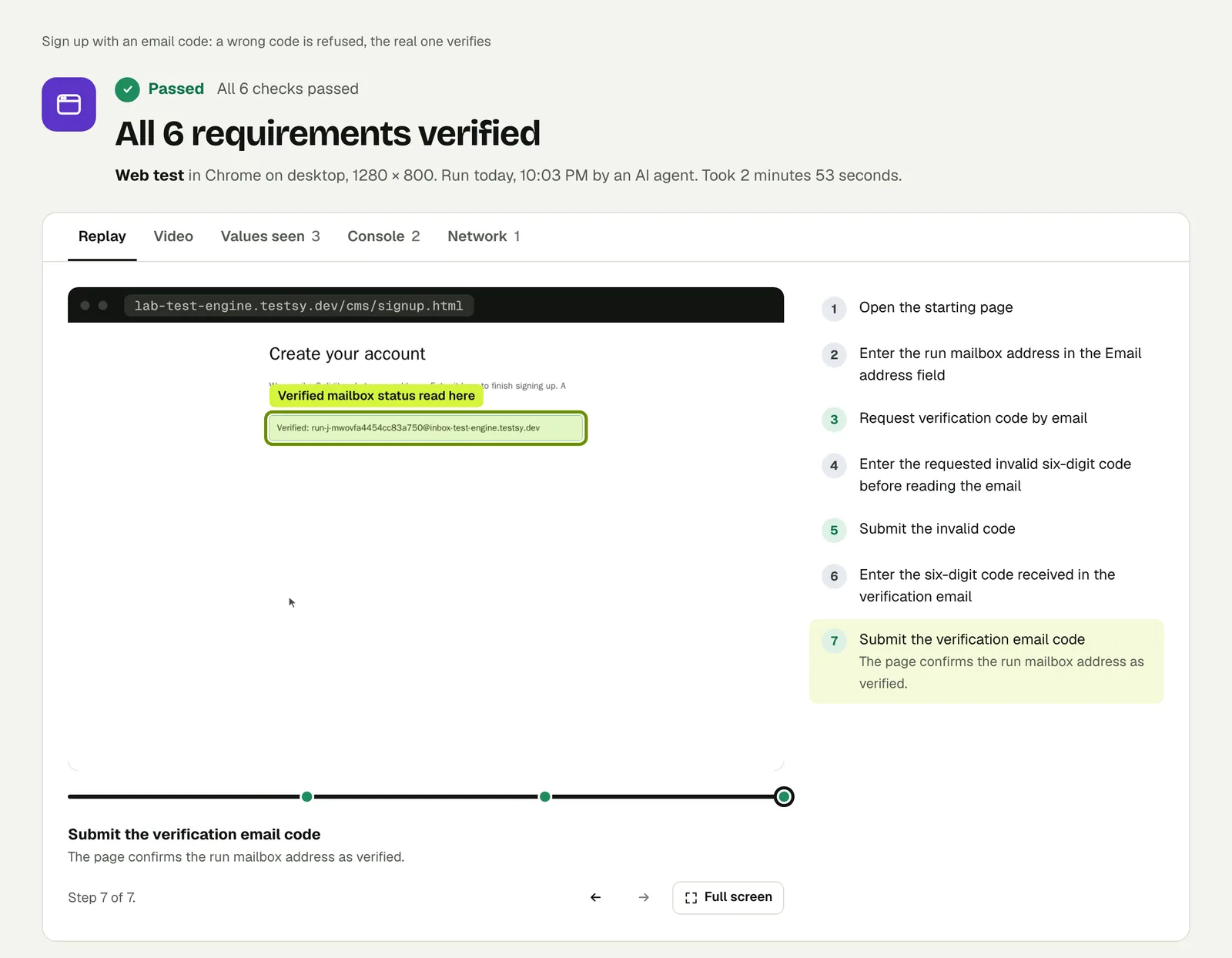
It works for you and nobody else#
You built the sign-up flow, signed up with your own address, got the confirmation email, clicked the link, and it worked. Then you launched, and new users are stuck on "check your inbox".
If the app runs on Supabase and nobody set up an email provider, the reason is written in Supabase's own documentation. The built-in mailer is limited to 2 messages per hour for the whole project, and it refuses to deliver to any address that is not part of the project's team: those fail with "Email address not authorized". Supabase calls it best-effort, with no delivery guarantee, and meant for trying things out, not for production.
So your own test passes, because you are on the team. A stranger's sign-up fails. One developer describes it well: nothing looks broken, sign-ups appear to work, and the emails never arrive.
Other stacks fail the same way for other reasons: a sending domain that was never verified, an API key that only exists on your laptop, or a provider's free tier that ran out.
Why your own testing cannot see it#
Every check you do by hand uses an address you own, from an account that already exists, often on the team. The failure only shows for an address the system has never seen. That is exactly what a test with its own mailbox is.
The test#
Give the test a mailbox: each run gets a fresh address that nobody has used before, on every plan, the free trial included.
Open the sign-up page and sign up with the test's email address
and the name "New Person".
Wait for the confirmation email, open it and follow its link.
Check the app shows the signed-in workspace for "New Person".
If the email never comes, the check fails with what was expected and what was seen, and the run's Messages tab shows nothing received. That is the difference from a test that only checks the "check your inbox" screen appeared.
Run it against production, not only against a preview, since the mail settings of the two can differ (Works in preview, broken in production). A nightly run catches the day a provider key expires.
What a run with a mailbox looks like#
We ran a sign-up with an email code on our practice site. The run got its own address, read the code from the email, typed a wrong code first and then the real one.
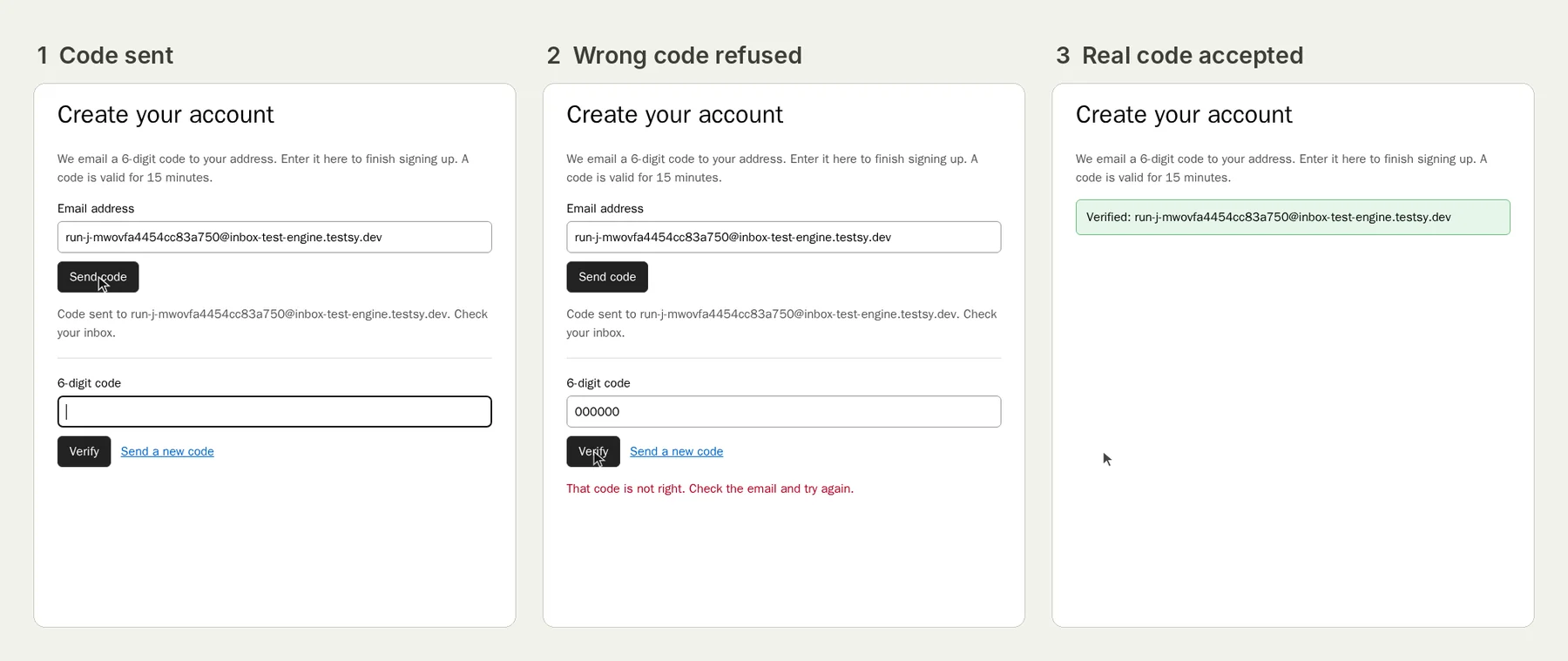
The full write-up is Test email verification codes, and you can open the run (live until 18 February 2027).
One honest note: mail from our practice site to a run's mailbox is delivered inside our own systems. On your app the mail goes out through your provider, which is the part this test exists to check.
If the test fails#
- Supabase: set up a custom SMTP provider under Authentication, then raise the email rate limit, which Supabase's production checklist puts at 30 new users an hour by default once custom SMTP is on.
- Check the sending domain is verified with your provider.
- Check the link in the email points at your real domain, not localhost: see Sign-up email links to localhost.
This post is part of Testing an app you built with AI.
Filed underWebSign-in and codesAI-built appsEmails and messages