A website launch QA checklist for agencies, with tests that run
Forms, checkout, redirects, phone layouts and email: the launch checks agencies list every time, written as plain-language tests to run before handoff and after.
Every agency has the list#
Look at any agency's launch checklist and the same lines appear: forms tested, cross-browser and mobile checked, redirects in place, analytics firing, client sign-off. One guide puts forms near the top for a reason: they are among the most common post-launch issues, and among the most damaging. BugHerd's checklist asks teams to test priority pages across browsers and phone, tablet and desktop views, paying attention to navigation, forms and pop-ups.
The list is right. The problem is how it gets done: by hand, the day before launch, by the person who built the site and knows where not to click.
The lines worth automating#
These are the checks that need doing again after launch, every time a plugin, theme or content change could break them. Each is a plain-language Testsy test against the staging or live address.
Forms reach someone.
Open the Contact page. Fill in the name "QA Test", this run's email
address and the message "Launch check", and send it.
Check the page says the message was sent.
Wait for the confirmation email and check it thanks "QA Test".
Details and the owner-notification problem: Test a contact form all the way to the inbox.
The phone layout works. Run the same test with the screen set to mobile (412 × 914) or tablet (820 × 1180). Test a site at phone, tablet and desktop sizes.
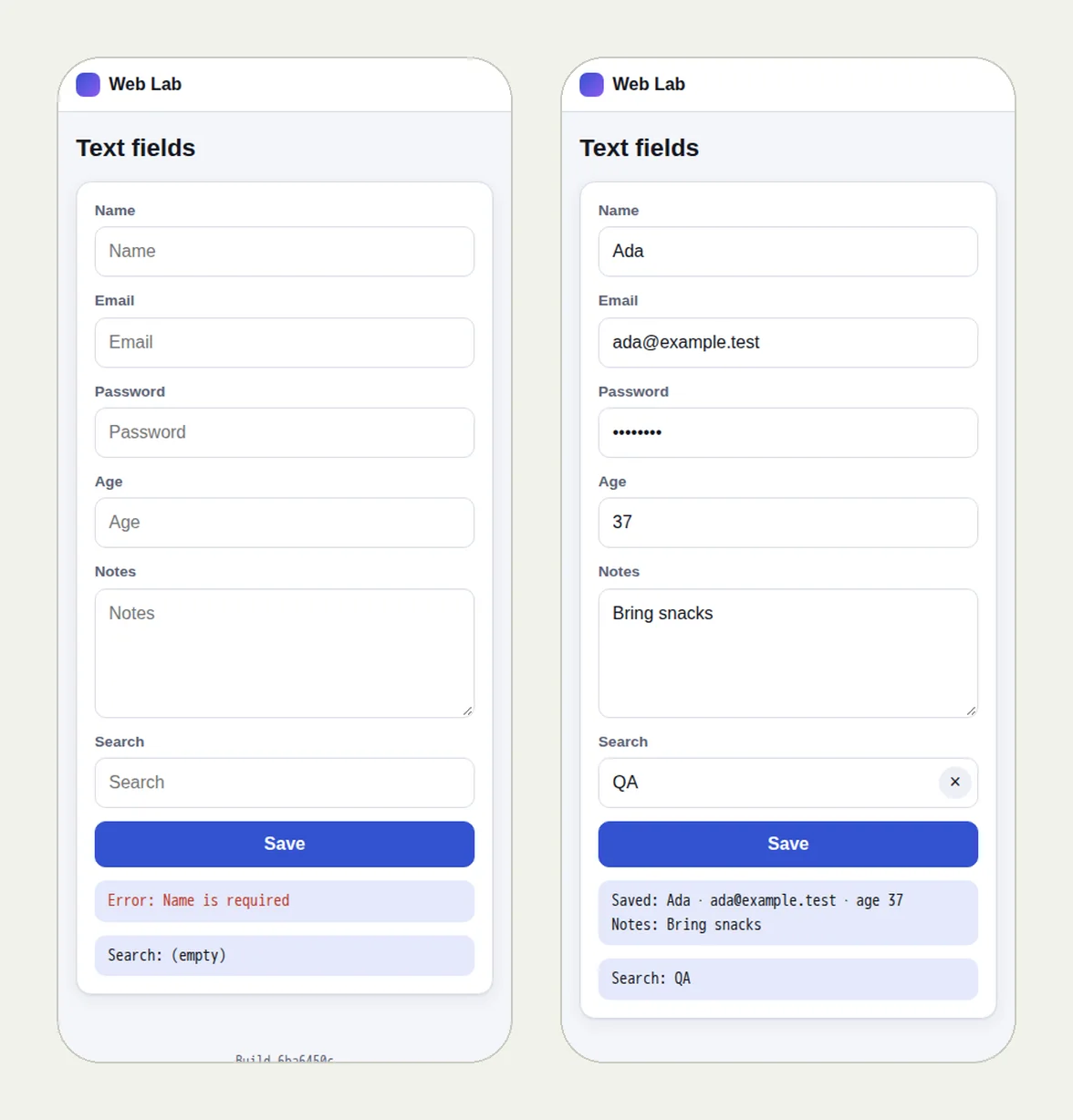
Validation says something useful. Submit the form empty and check the error names the missing field. Test form validation messages.
Old addresses land somewhere. Test redirects after a site redesign.
The shop sells. Shopify add to cart and checkout, in test mode.
The cookie banner does both jobs. Accept and decline.
The lines that stay manual#
Copy that matches what the client approved, design polish, accessibility review, page speed. Keep a person on those.
Run them before the handoff, then keep them#
Put the client's tests in one project and press Run all before you hand over. The result is a record of what worked on launch day, with a replay and a video for each check, which you can share with the client: Show clients proof, not screenshots.
After launch, add a schedule and the same tests run on their own every night, emailing you if something breaks. That turns a one-off checklist into the first line of a care plan.
The free trial has 10 runs and needs no card.
This post is part of Find the bug before your client does.
Filed underWebForms and checkoutClient sites