After moving a site to a new host, check the forms still send
The pages look identical after a migration, but contact forms and password resets often stop sending email. Test the flows that leave the site, not just the pages.
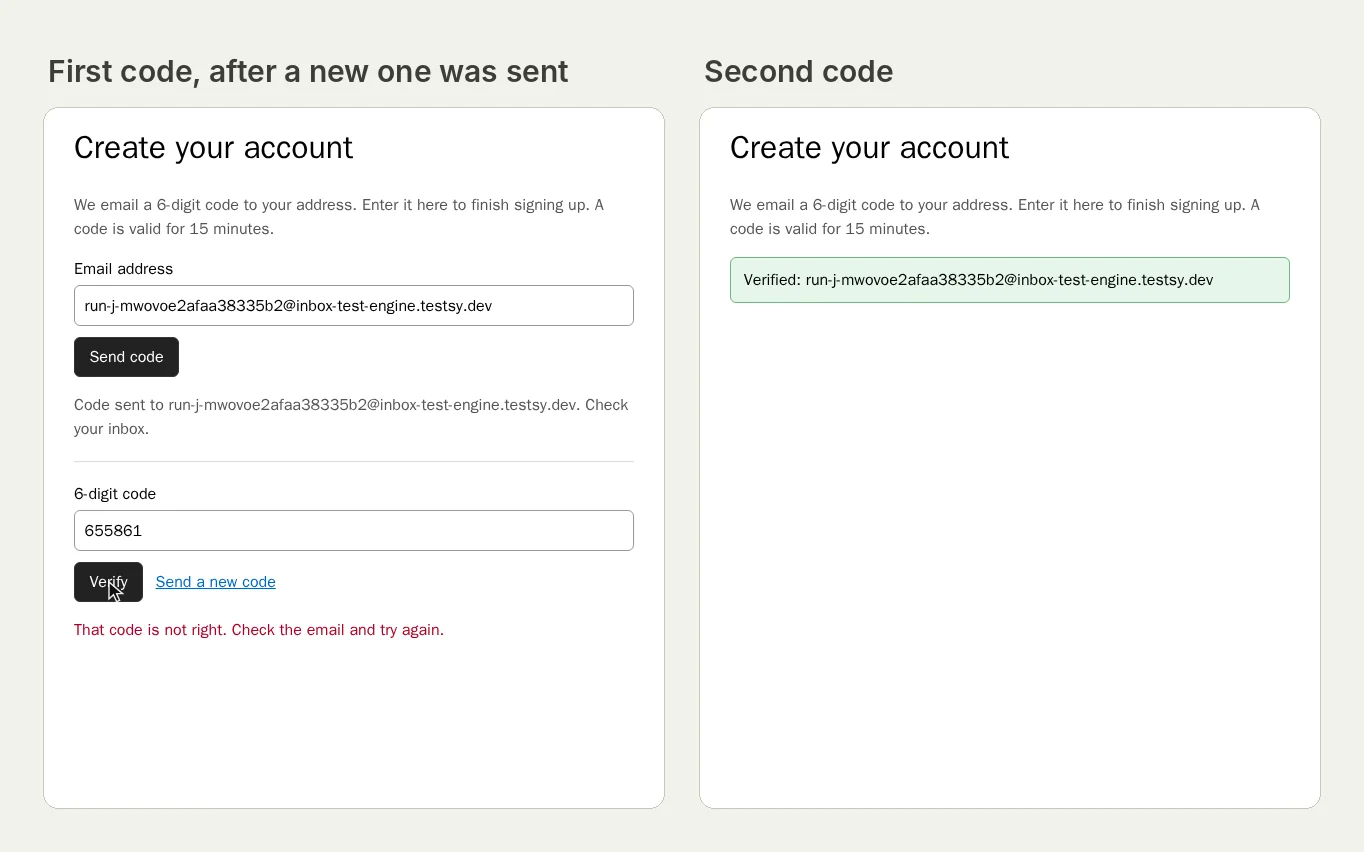
The site looks the same. The email has stopped.#
A client's site moves to a new host: better hosting, a cheaper plan, the agency's own server. The pages, images and menus all look right. Weeks later the client asks why nobody has filled in the contact form since the move.
It is one of the most common stories in WordPress support:
- A site owner moved several sites to another host and only later found it wasn't sending e-mails at all: they tested it with a password reset.
- After a move to a new server, a Formidable Forms user was no longer receiving submission e-mails.
- A WordPress forum moderator explains the usual cause: the new host has disabled PHP's mail() function, which WordPress and most form plugins use by default.
InMotion Hosting's own troubleshooting guide asks the same first question: have you recently transferred your website from another host?
Email is not the only thing a move breaks. Sign-ins can stop working when the site's address changes between www and no www; MemberPress notes that WordPress login cookies work under www or non-www, but not both. Scheduled tasks, payment webhooks and caching rules can all be left behind on the old server.
Test the flows that leave the site#
Looking at pages proves the files moved. These prove the site still works:
- The contact form, all the way to an inbox. Give the test a mailbox and fill in the form with its address; check the confirmation email arrives. Then check the entry is listed in the form plugin's admin. Test a contact form all the way to the inbox has the full test.
- Password reset. Ask for a reset for a test account whose email is the run's mailbox, open the email, set a new password, sign in (the full flow). It uses the same mail path as the forms.
- Sign-in on both addresses. Sign in on
https://www.example.com, then openhttps://example.com/account/and check you are still signed in, or are redirected to the one address you use. - Checkout or booking, if the site has one, with an order confirmation email.
- Old addresses. Open three old page addresses and check each lands on the right page (redirects).
When to run them#
- Before the DNS switch, against the new server's temporary address, if it has one.
- Straight after the switch, and again the next day, once DNS has settled everywhere.
- Nightly for the first week. Mail problems often appear later, when a sending limit or a spam filter catches up.
Keep the passing runs: a handoff record with the date and time is the answer when someone asks, a month later, whether the forms worked after the move.
What a run with a mailbox looks like#
Our practice site's sign-up sends a code by email; a run read it from its own mailbox.
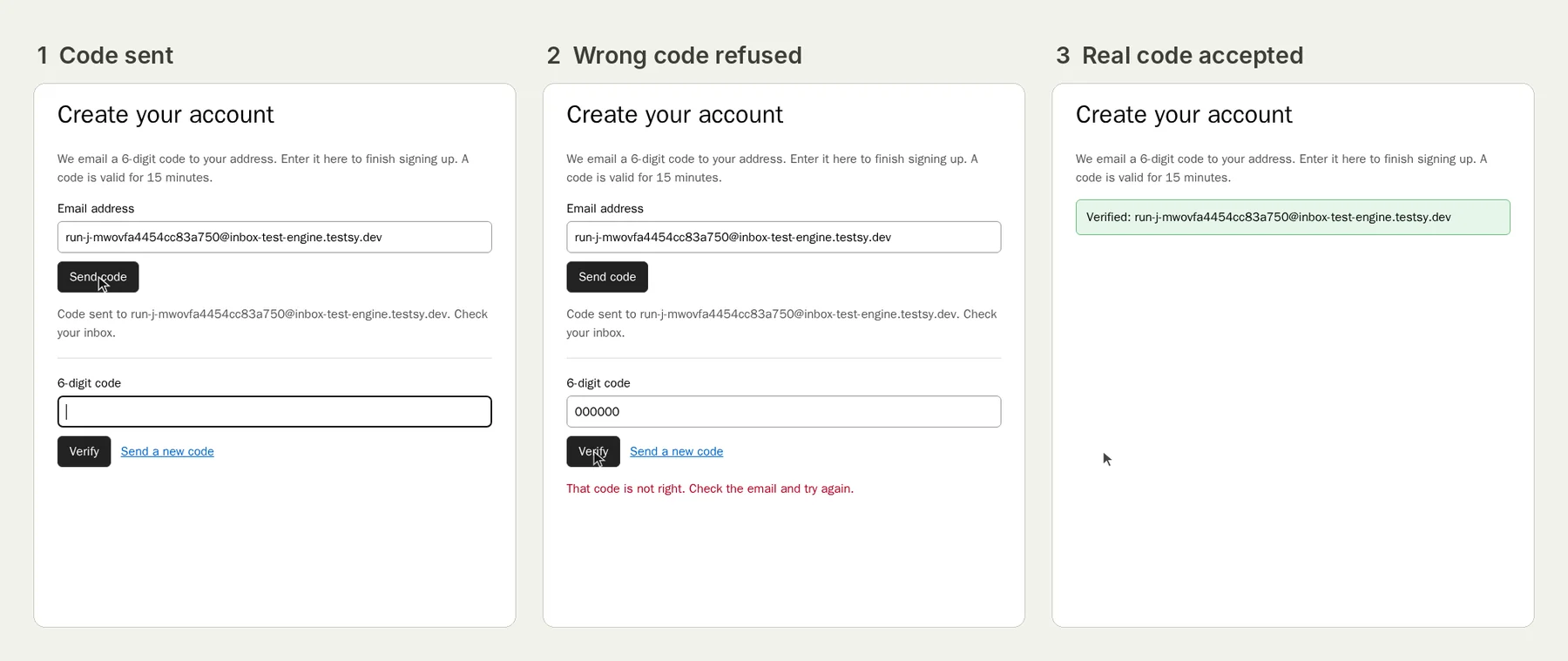
Open the run (live until 18 February 2027). On a client's site the email goes out through their server, which is exactly what this test checks.
This post is part of Find the bug before your client does.
Filed underWebReleases and regressionsEmails and messagesClient sites